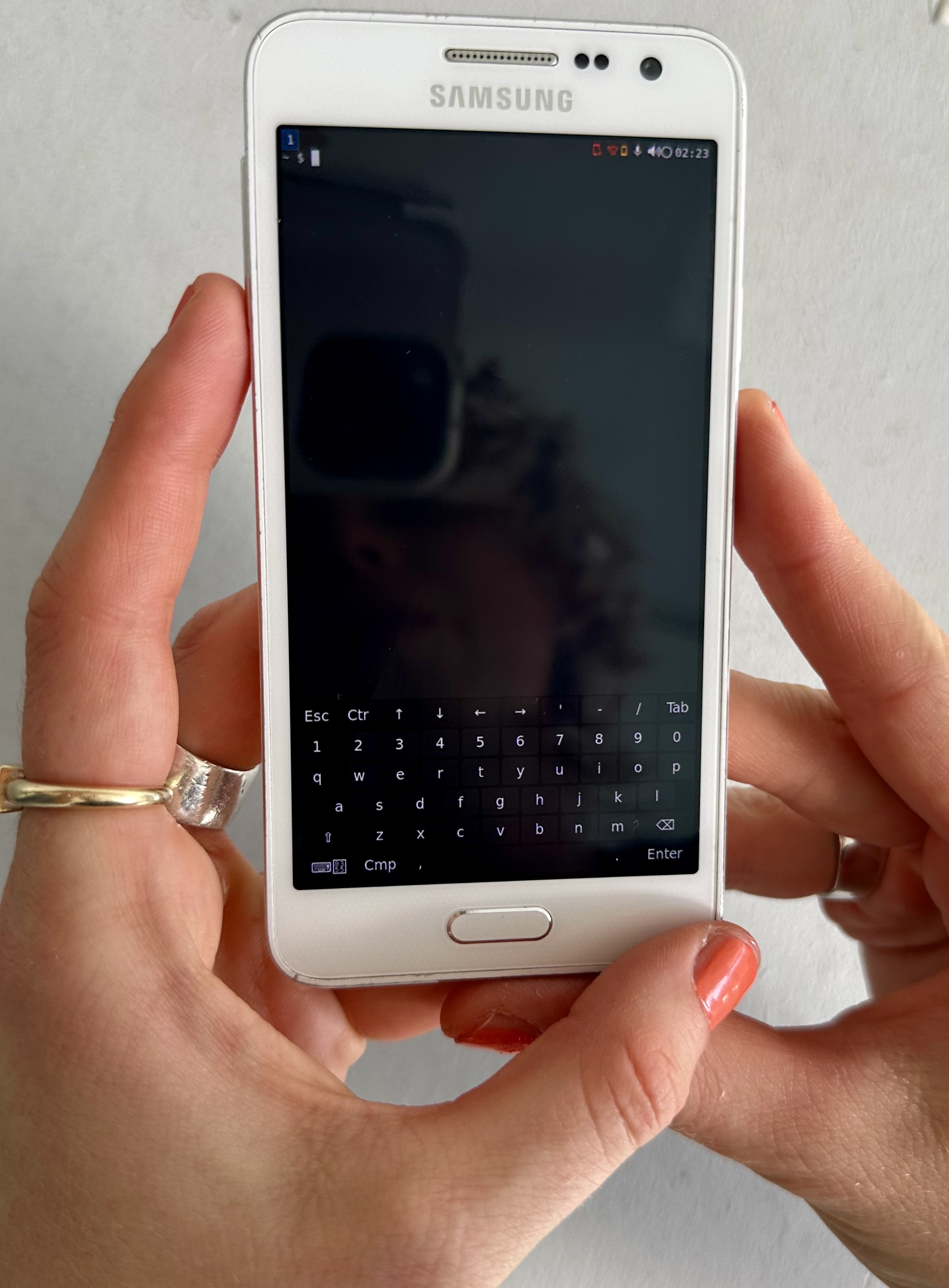
PostmarketOS Installation
how to 'Linux your Android'
with PostmarketOS, a touch-optimized, pre-configured Alpine Linux with own packages, that can be installed on smartphones.
we are using a Samsung Galaxy A3 2015 but you can find your device in the community section.
Use a computer with Linux pre-installed to simplify the instruction process. Windows or Mac commands vary.
1. press HOME + Volume UP + POWER
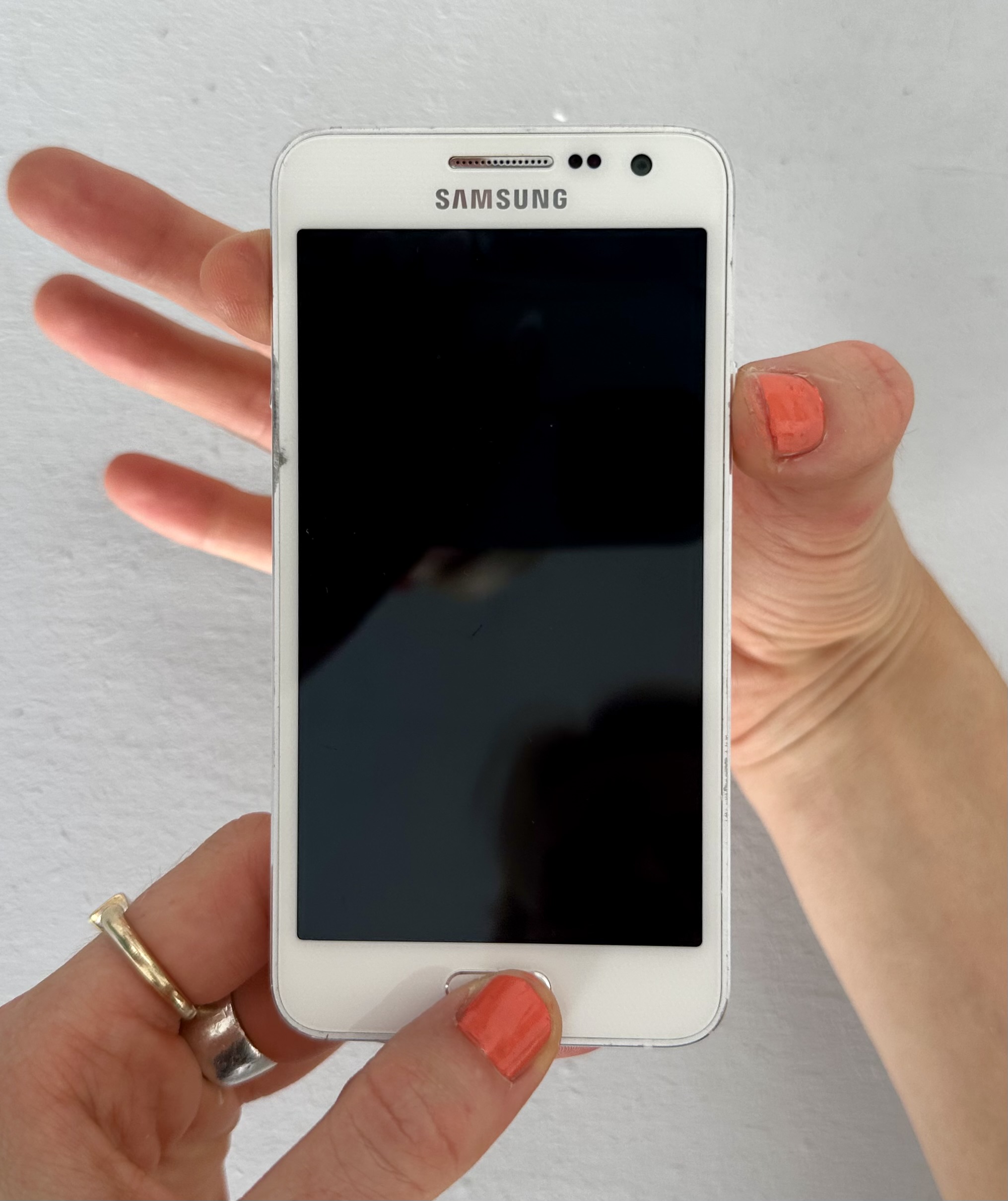
2. delete all userdata (confirm with power button)
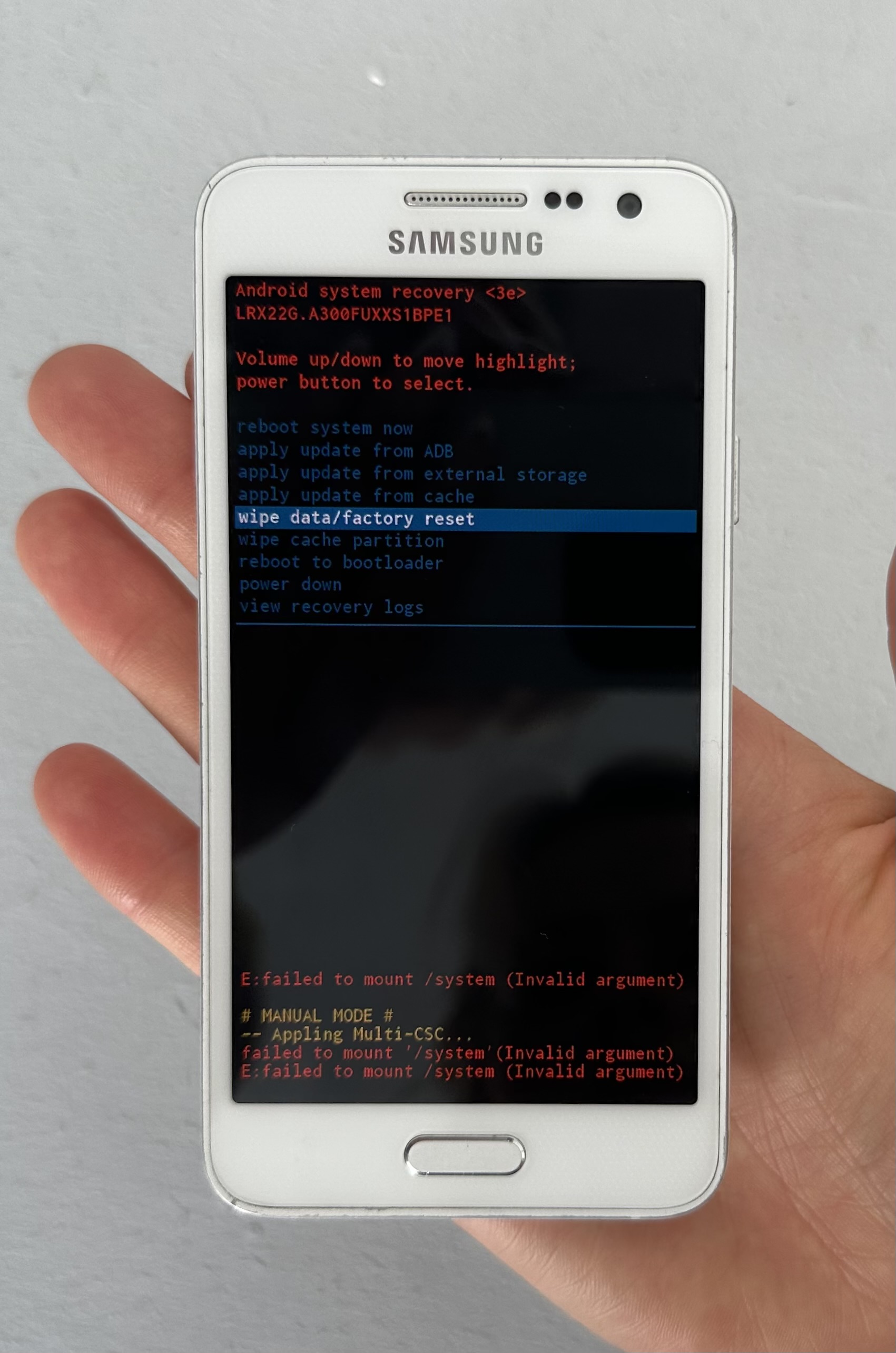
3. shutdown the phone, and boot it holding HOME + Volume DOWN + POWER
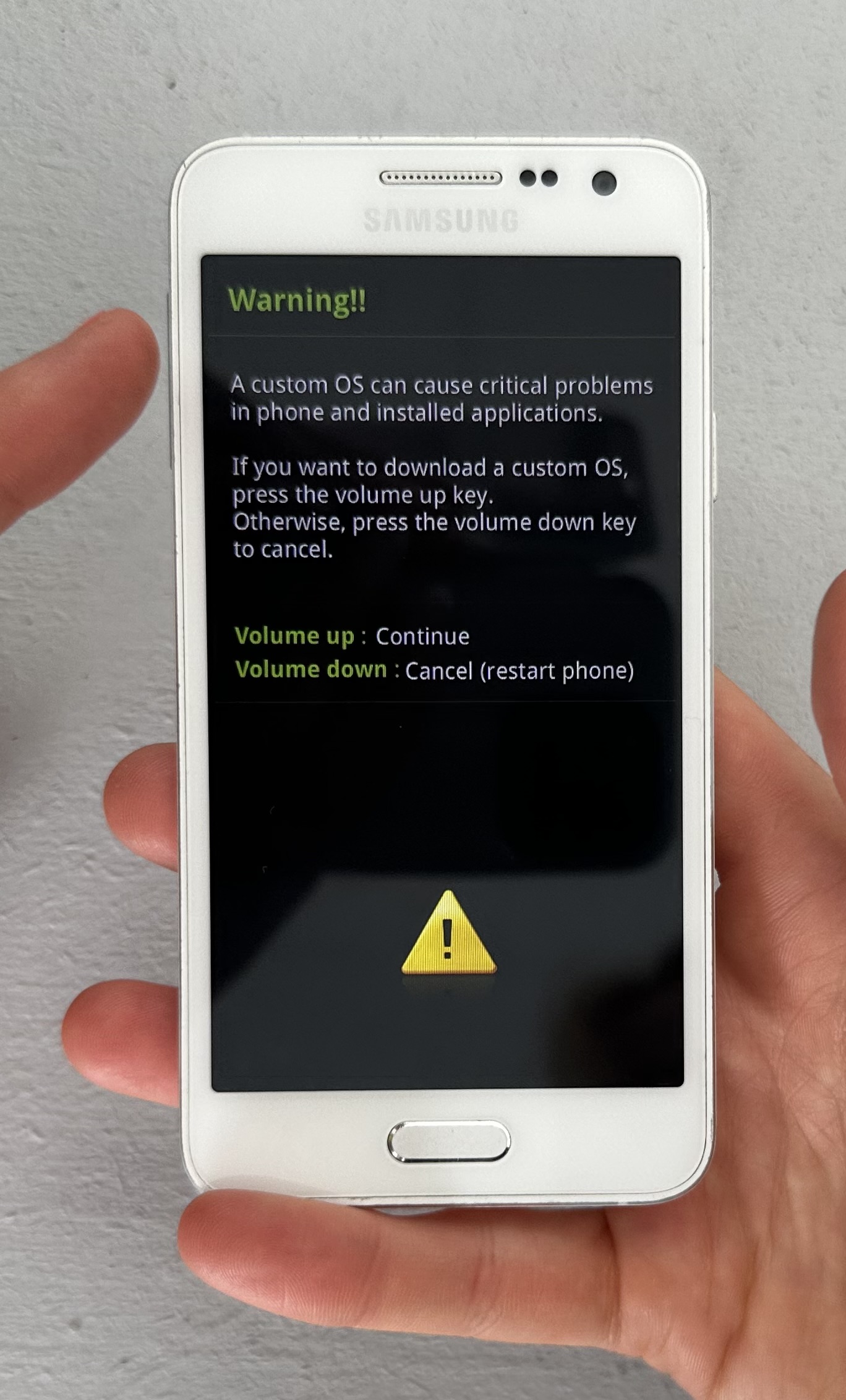
now we are in ODIN MODE
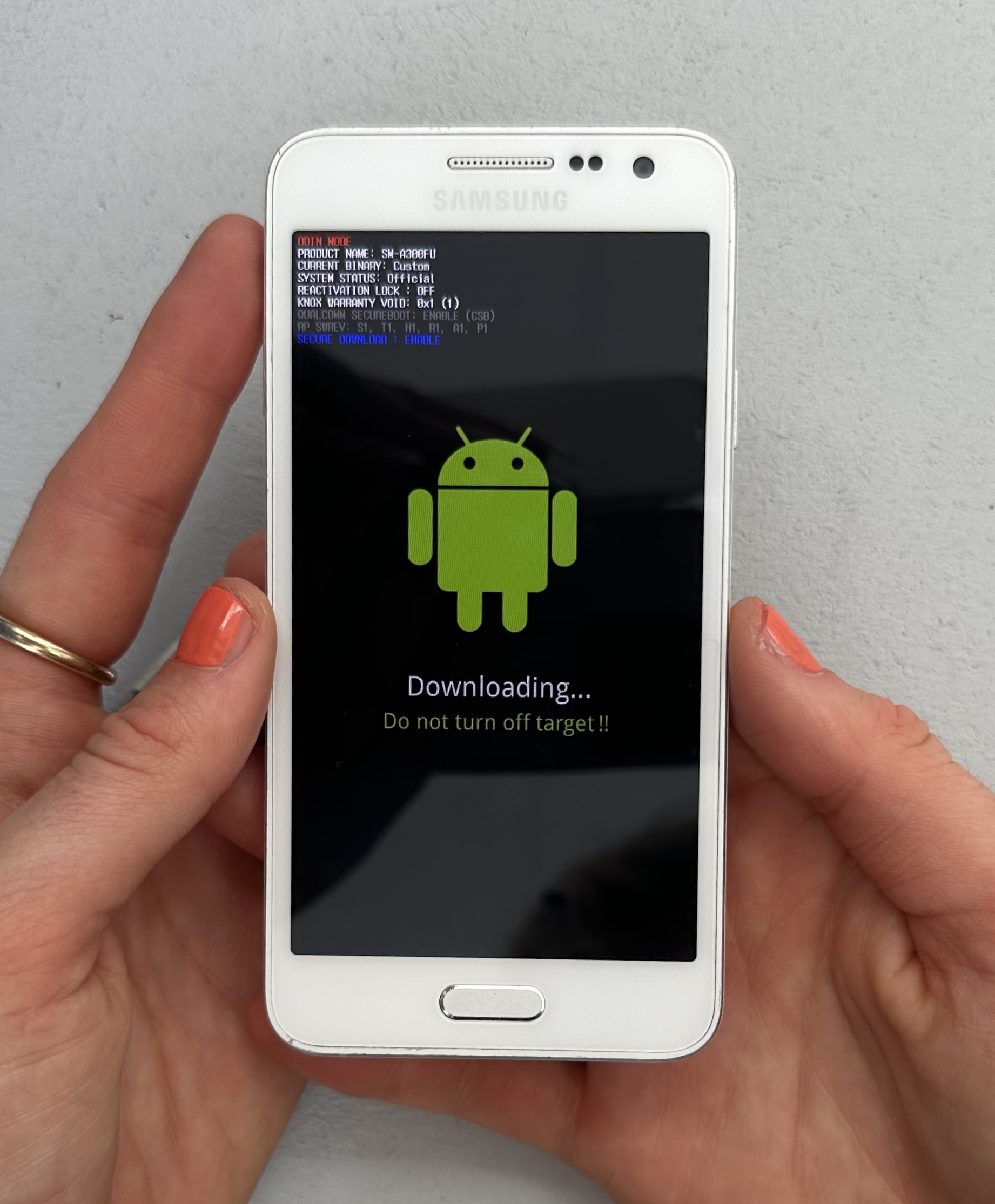
4. install heimdall and fastboot. /programmes
In the terminal run the following
In the terminal run the following
sudo apt-get install heimdall-flash fastboot
5. download Samsung A3 1k2nd bootloader ........
If you use a browser to download this file, it will end up in the users Downloads folder. In order to follow along with the guide, make sure you cd to the Downloads folder by writing
pls also try Tap for auto-complete and
cd ~/Downloads
in the terminal. pls also try Tap for auto-complete and
ls
to make a list6. connect the phone to the PC using a micro USB cable
In the terminal, enter the following command to flash the downloaded firmware:
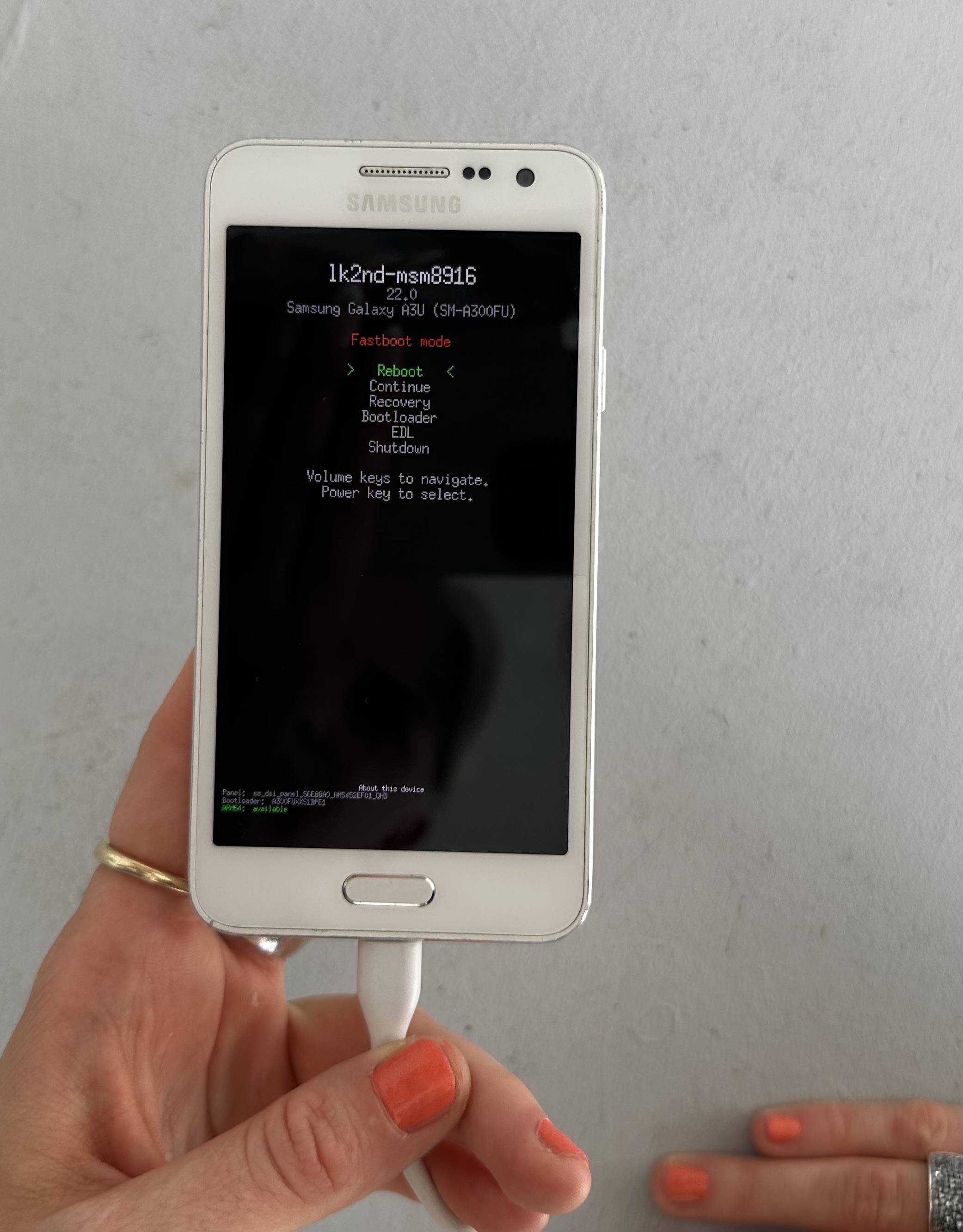
the phone should boot into the ik2nd bootloader
In the terminal, enter the following command to flash the downloaded firmware:
heimdall flash --BOOT lk2nd-msm8916.img
the phone should boot into the ik2nd bootloader
7. download a pre-built image with sxmo-de-sway (Stable)/ optiions
------- screenshot here and link
Make sure to download the .xz file without boot in the filename.
Make sure to download the .xz file without boot in the filename.
8. unpack the .xz archive
unxz --keep 20241002-0701-postmarketOS-v24.06-sxmo-de-sway-1.15.0-samsung-a3.img.xz
9. flash PostmarketOS
fastboot flash userdata 20241002-0701-postmarketOS-v24.06-sxmo-de-sway-1.15.0-samsung-a3.img
10. erase system and reboot the phone
fastboot erase system && fastboot reboot
DONE! The phone should boot into PostmarketOS